> For the complete documentation index, see [llms.txt](https://docs.kunji.finance/kunjifinance/llms.txt). Markdown versions of documentation pages are available by appending `.md` to page URLs; this page is available as [Markdown](https://docs.kunji.finance/kunjifinance/kunji-finance/how-it-works/get-started-with-kunji-finance.md).

# Get Started with Kunji Finance

To get started with Kunji Finance, there is no entry barrier or minimum fund requirements. Start with any amount and generate returns like expert traders.&#x20;

Follow these simple steps to start social trading on Kunji Finance:

* Go to <https://www.kunji.finance/> and launch the Dapp.&#x20;
* You will land on <https://beta.kunji.finance/> where you can connect your web3 wallet and accept the terms and conditions to get started.&#x20;

<figure><img src="/files/IU30VUWlGkyodvs6aWSJ" alt=""><figcaption><p>Dapp Launch View</p></figcaption></figure>

* Navigate to "Strategy" and select the strategy you want to copy based on your risk appetite and investment goals.&#x20;
* Click on "Invest" and enter the amount you want to get started with.&#x20;

<figure><img src="/files/mNZWjqCPDjwfiv2p6ocd" alt=""><figcaption><p>Strategy Page View</p></figcaption></figure>

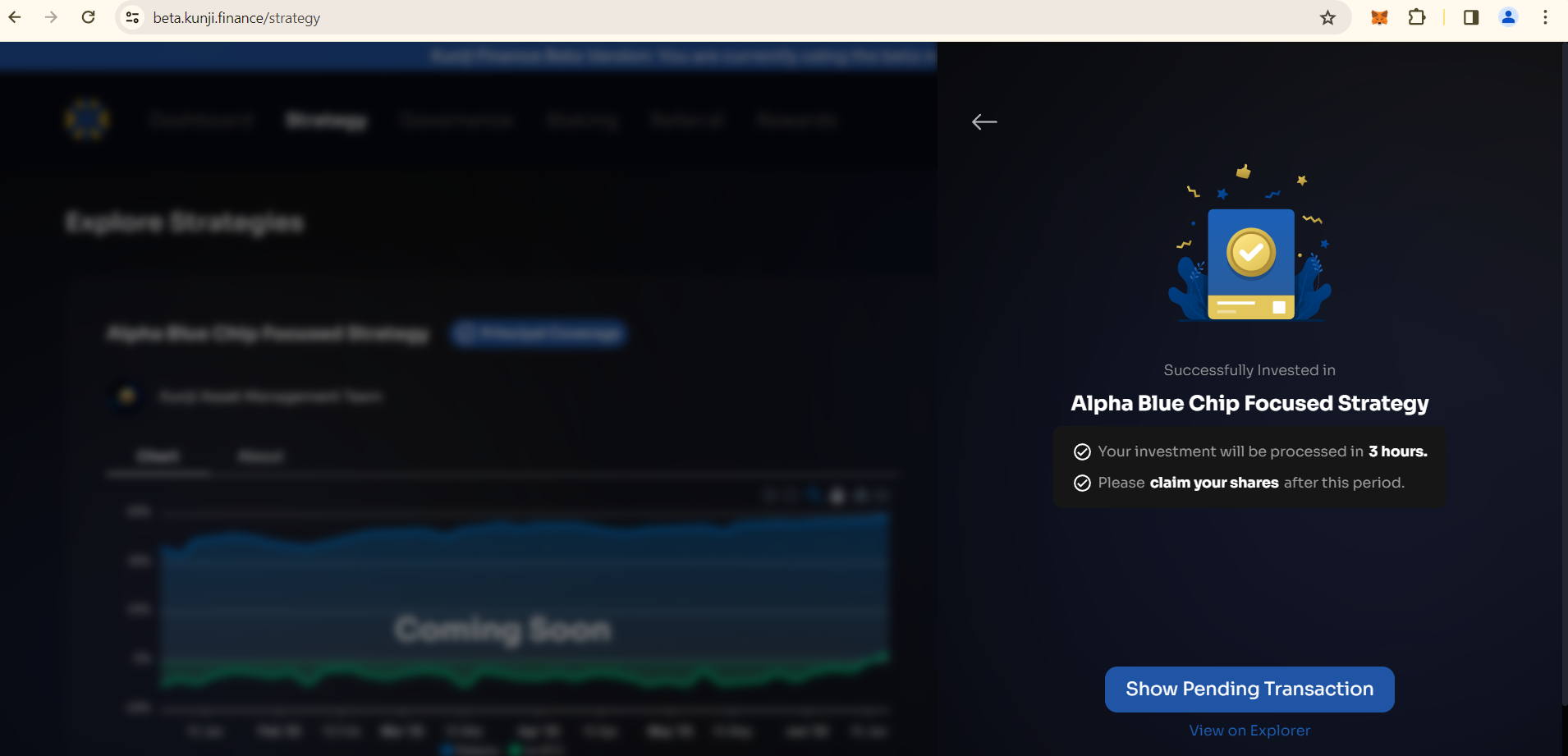
* Approve the amount and invest. It usually takes 3 hours for the investment to process and reflect on your dashboard.

<figure><img src="/files/kaRM1GSxtDk1Wmo1Pi05" alt=""><figcaption><p>Investment Successful View</p></figcaption></figure>

* Voila! Your fund will be traded and you can see your portfolio details on the platform.&#x20;

Kunji Finance provides real-time updates on your portfolio's performance, so you can track your investments' progress at any time. This feature enables you to make informed decisions about your investments and adjust your strategy if needed.&#x20;

Overall, getting started with Kunji Finance is a straightforward process that provides access to expertly managed multi-asset vaults in the crypto space.&#x20;


---

# Agent Instructions
This documentation is published with GitBook. GitBook is the documentation platform designed so that both humans and AI agents can read, navigate, and reason over technical content effectively. Learn more at gitbook.com.

## Querying This Documentation
If you need additional information that is not directly available in this page, you can query the documentation dynamically by asking a question.

Perform an HTTP GET request on the current page URL with the `ask` query parameter, and the optional `goal` query parameter:

```
GET https://docs.kunji.finance/kunjifinance/kunji-finance/how-it-works/get-started-with-kunji-finance.md?ask=<question>&goal=<endgoal>
```

`ask` is the immediate question: it should be specific, self-contained, and written in natural language.
`goal` is optional and describes the broader end goal you are ultimately trying to accomplish on behalf of the user. GitBook uses it to tailor the answer towards what is most useful for that goal.

The response will contain a direct answer to the question and relevant excerpts and sources from the documentation.

Use this mechanism when the answer is not explicitly present in the current page, you need clarification or additional context, or you want to retrieve related documentation sections.